Holdouts: Don't give up your old iPhone — do these 4 things to it instead
Your device has a lot more life left in it than Apple would like you to believe.
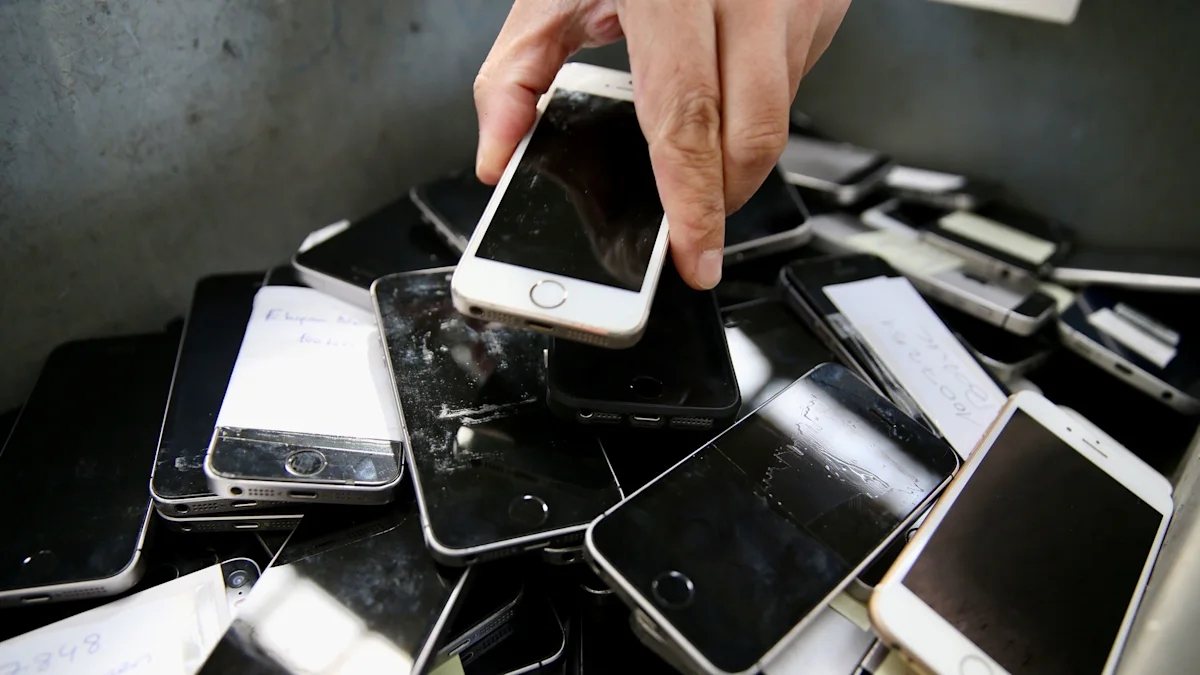
It's that time of year again. Apple's latest iPhones — the 18 Pro, the 18 Pro Max and the foldable Duo — were unveiled in September, and they're either available now (both 18 Pros) or shipping soon (Duo, starting Oct. 23). Which means all of you iPhone people are probably feeling that familiar autumnal sensation: the urge to ditch your old device for a new one.
Look, I like unboxing a fresh smartphone as much as anyone, and Apple always makes its annual offerings sound irresistible. When you're reading about improvements such as "color-matched back glass!" and "three 48MP rear cameras with variable aperture on one!" on an iPhone 14 with a sputtering battery and a cracked screen, the temptation is hard to resist.
Yet resist you can. There are two reasons why this is easier — and more sensible — than ever.
The first is that baseline iPhones aren't actually improving as much as they used to. This may be "a testament, as the New Yorker's Kyle Chayka wrote in 2024 , "not so much to the device's failure as to its resounding success." But it also means that year-over-year upgrades offer less and less bang for your buck.
Under the hood, the iPhone's recent A-series processors are so powerful that everyday tasks — messaging, browsing, streaming — run nearly the same on models from several years ago. Design and display technology have pretty much matured; recent changes are incremental. Software support stretches back further than ever, too. And batteries can comfortably last three to five years (at least).
At the same time, iPhones are getting more expensive, not less. Last month Apple raised prices across its entire lineup by $100. Put it all together and it's not hard to see why people are keeping their iPhones for an average of nearly four years now , up from two in the 2010s — or why the share of iPhone users who are replacing a device that's at least three years old has nearly doubled (from 24% to 42%) since 2020.
The second reason why you should reconsider tossing your current iPhone is that rehabilitating it is a lot less annoying than you might think. Here are four tips for making the most of what you have.
It's definitely still possible for an iPhone to get so old that it won't accept new software updates anymore. But that's less common than it used to be. Why? Because Apple has continued to extend its software lifecycle to the point where now, a seven-year-old iPhone 11 from 2019 can still run the company's new iOS 27.
It's important to keep track of whether your iPhone can still receive these updates — and if so, to install them ASAP. This isn't about accessing cutting-edge features like Siri AI. Instead, it's about maintaining compatibility with modern apps and staying safe online with the most up-to-date security patches. As a bonus, iOS 27 also boasts speed and reliability improvements that should breathe new life into aging iPhones. When an iPhone stops receiving iOS updates, it should be replaced. Until then, it's OK to wait.
Keep your battery healthy (or replace it if necessary)
Battery degredation is the single biggest reason people give up on their older iPhones; when your device starts dying in the middle of the day, it can really feel like it's time for a new one. But there are several steps you can take to prolong your battery life before things get too bad. First, stay in the sweet spot ( between 30% and 80% ) instead of keeping it at 100% or letting it fully drain to 0%. Second, enable built-in smart charging features (like "optimized battery charging," which pauses charging at 80% until right before you need to use your phone). Third, avoid excess heat. Fourth, stay away from cheap third-party chargers. Finally, don't close apps when you're not using them; reopening them again and again drains more power than letting them run in the background. And even if your battery is basically dead, replacing it costs a lot less — about $100 through Apple — than buying a new phone.
You can also go to Settings > Battery on your iPhone to see a report on its health and current maximum capacity.
People also tend to abandon otherwise perfectly good iPhones when they "run out of space." Increasing your iCloud allotment to 200GB costs $2.99 per month, which basically gives you another phone's worth of storage; 2TB costs $9.99.
But you can also remove items you don't need from your phone itself. This process used to be a pain, but now it's more automated. Just go to Settings > General > iPhone Storage and check out the recommendations at the top — things like reviewing large attachments in Messages. It's also a good idea to regularly delete unused apps and remove music or videos you may have downloaded on, say, Spotify or YouTube.
Some of the most common phone repairs are for shattered screens. If worst comes to worst, you can always shell out for a new one; Apple's prices range from $129 (for older or budget models) to $379 (for Pro and Pro Max models). That's still cheaper than buying a brand-new iPhone. But prevention is also pretty straightforward: Just spend $20 (or less) for a tempered glass screen protector . We'd also recommend adding a protective case to your shopping cart. That way you won't feel tempted to upgrade just because you got a little clumsy.
Gathered from external sources. Rights to this text belong to whoever originally published it.