US immigration agency warns visa applicants against websites and businesses ‘guaranteeing’ visa, Green Card, or work permit faster
Tech News News: US Citizenship and Immigration Services (USCIS) has warned applicants about scams where businesses and websites claim to get faster delivery of visa, .
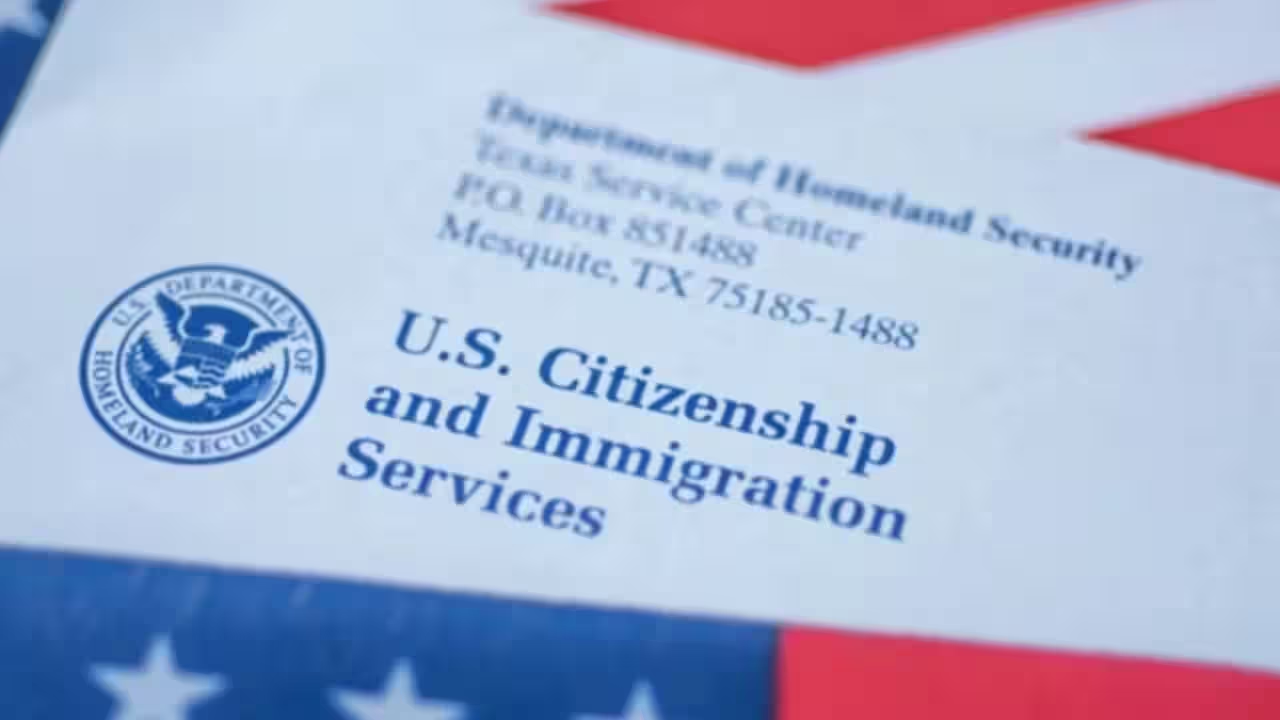
US Citizenship and Immigration Services (USCIS) has warned applicants about scams where businesses and websites claim to get faster delivery of visa, Green Card and work permit. In an X (formerly Twitter), USCIS said that some businesses and websites claim to be immigration experts with “special connections to the government”. They also demand a fee in exchange for a false promise that they can get a visa, Green Card, or work permit faster if you pay a fee. The immigration agency clearly forbids applicants from falling prey to such scams.“IT'S A SCAM,” the agency says adding “Sometimes businesses and websites pretend to be immigration experts or say they have special connections to the government”.“They might also “guarantee” that you can get a visa, Green Card, or work permit faster if you pay a fee,” it stated.The advisory further supports USCIS's Avoid Scams initiative, encouraging use of official .gov resources and reporting suspicious offers to protect individuals from unauthorized service providers.Where can one seek helpThe Department of Justice’s Executive Office for Immigration Review (EOIR) provides a list of attorneys in your state who provide immigration services either for free or for minimal cost and a list of accredited representatives and recognized organizations. The American Bar Association also provides information on finding legal services in your state.Tips to fill visa application forms by emailUSCIS allows applicants to now file many USCIS forms online. The agency has also listed tips that can help complete online forms accurately. These are:Always review the form instructions before beginning to fill out a form.You can download all forms from our website, complete them electronically, and then print your forms to submit by mail. If you need help downloading and printing forms, read the Downloading and Printing Immigration Forms. Do not mail a form if you have already filed it online. Do not use the online filing system to complete a form for printing and mailing. If you print out an online form and mail it to the lockbox, we will reject it.Only use the current form edition when you are downloading and completing a form.Ensure that the form edition date and page numbers are visible at the bottom of the printed pages and that you complete all pages with the same edition of the form. If any of the form’s pages are missing or are completed with a different edition of the form, we may reject your application.If you hand write your answers, use black ink. For typewritten responses, use font Courier New, size 10, bold. Make sure that everything you write or type on the form is clear, so we can easily read the information on the scanned image we produce when we process your form.If you need to correct a mistake, start over with a new form. Do not use highlighters, correction fluid, or correction tape. We use both black-and-white and grayscale scanners that will not properly read information that is greyed out, highlighted, or corrected using correction fluid or tape.Complete the entire form, unless the form directs you to skip 1 or more items. If you do not complete all parts of the form, we may reject your submission for missing information.Remember to sign your form in the space provided for your signature. We will reject or deny any improperly signed form. For more information on signature requirements, see the USCIS Policy Manual, Volume 1, Part B, Submission of Benefit Requests, Chapter 2, Signatures [1 USCIS-PM B.2]. see the USCIS Policy Manual., see the USCIS Policy Manual.Pay the correct fees. We will reject forms submitted with incorrect or incomplete fees. For more information on how to pay your fees, visit our Filing Fees webpage and use the Fee Calculator to help you determine the correct fees.Get the latest technology news and updates. Download the TOI App.
Topics in this story
Gathered from external sources. Rights to this text belong to whoever originally published it.