Spotify’s AI DJ now takes requests
Spotify is allowing subscribers to use voice commands to control which songs are spat out by its AI DJ feature.
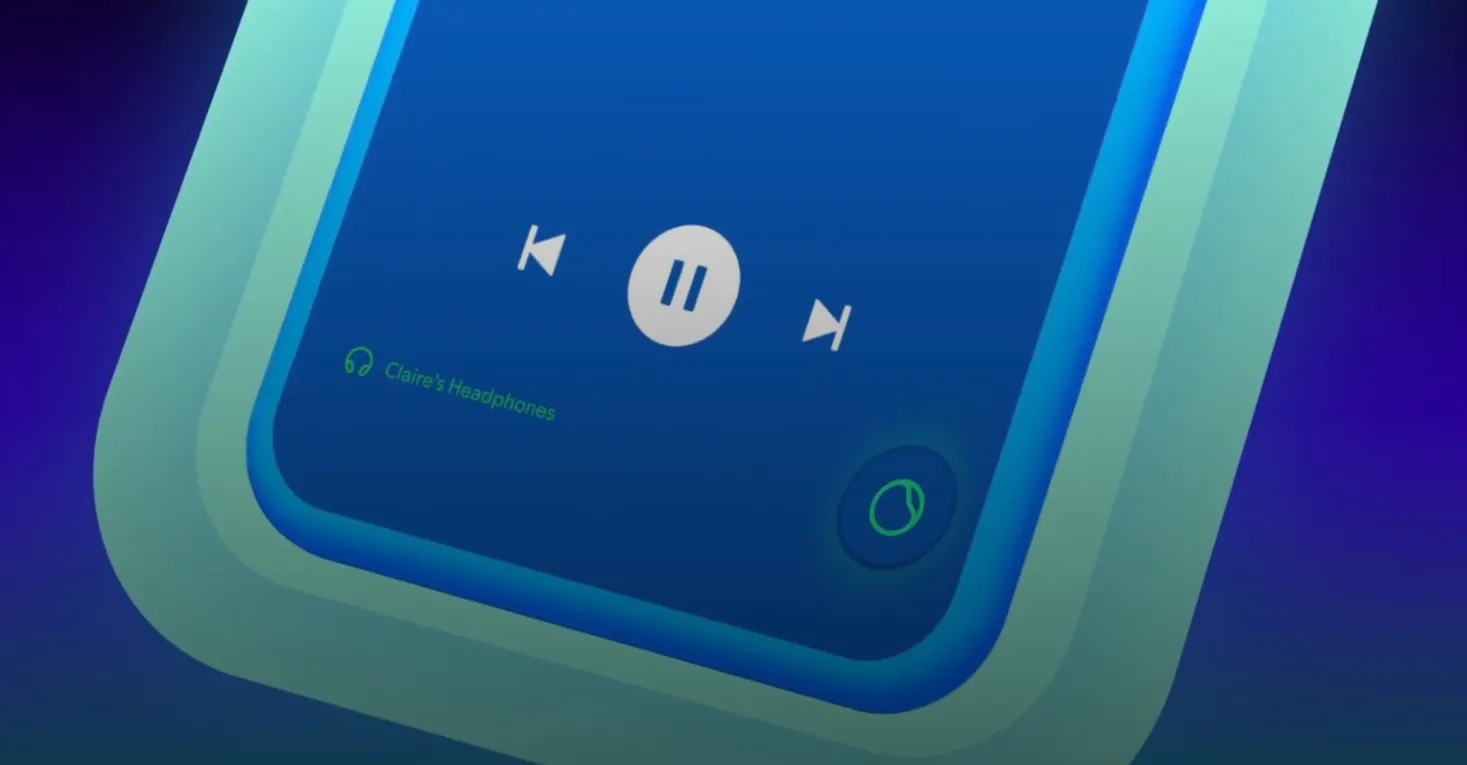
Spotify is giving users more control over which songs are spat out by its AI DJ feature. Starting today, Spotify Premium subscribers can now use English voice commands to personalize what music they want DJ to play instead of relying on the ever-changing playlist that it curates based on their listening habits. Users can access these new capabilities by pressing and holding the ‘DJ’ button located in the bottom right corner when using the AI DJ feature and listening for a beep. Users can then verbally tell the DJ bot what they want to hear, such as “play me some electronic beats for a midday run,” or “surprise me with some indie tracks I’ve never heard before.” Prior to the update, this button would just randomly switch up whatever song you were currently listening to and didn’t allow users to control what would be played next. Now, Spotify says that users can direct it to play specific artists, genres, and moods. It also borrows some of the quirkier vibe-based music recommendations from the AI Playlist building feature that Spotify launched in beta last year, which creates a tracklist based on text prompts. For example, users can ask the AI DJ to “play me some music to soundtrack my life as a movie.” [Image: If you have a particular track in mind then it may be easier to play it directly, rather than hope that the AI DJ lines it up for you. This new voice command update is currently the only means for users to have any control over what tracks the AI DJ will play, however, which is a bit awkward if you’re using the feature in an environment where you can’t be chatty.
Gathered from external sources. Rights to this text belong to whoever originally published it.