Unboxing Walkthrough - Hello Kitty Island Adventure Guide - IGN
Unboxing is a Quest introduced in Hello Kitty Island Adventure's Welcome Home update. It introduces players to the concept of Kits, which allows you to
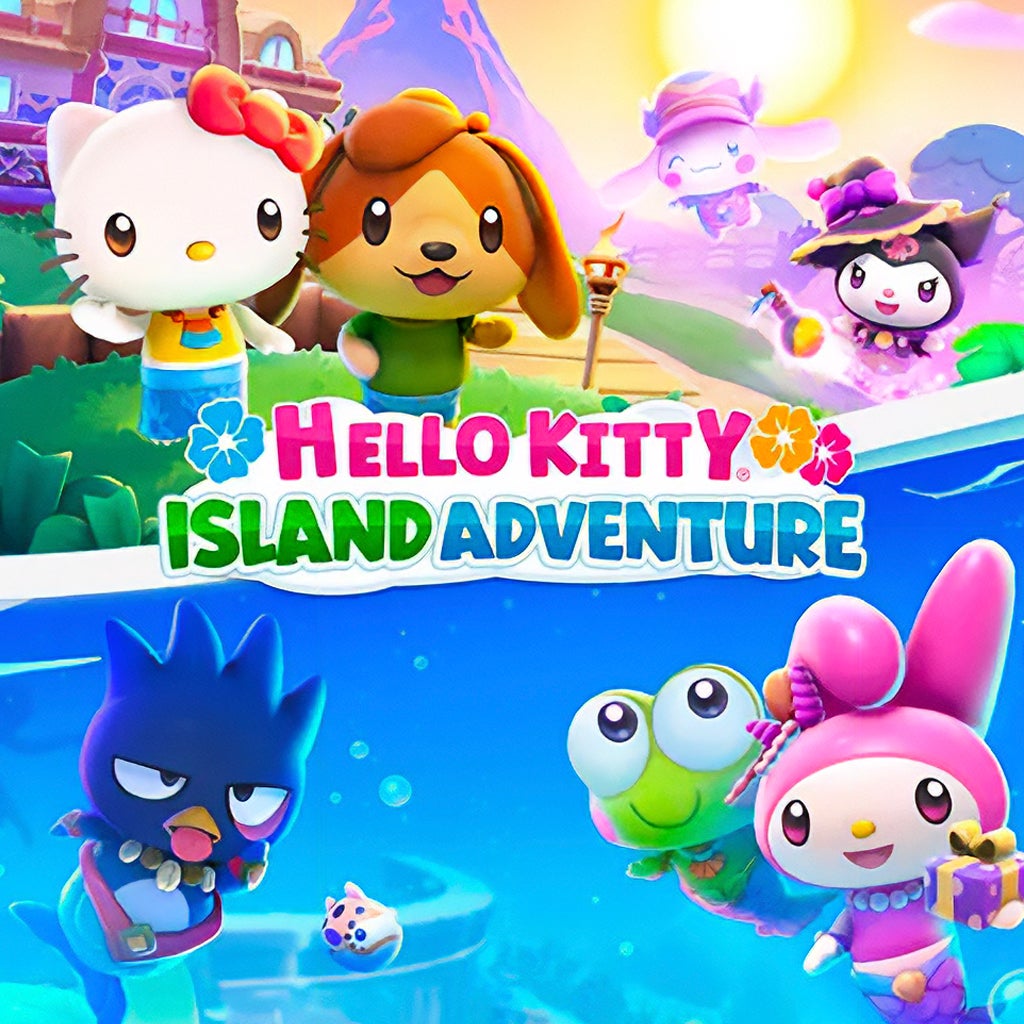
Unboxing is a Quest introduced in Hello Kitty Island Adventure's Welcome Home update . It introduces players to the concept of Kits, which allows you to save groups of items and furniture together and apply them all to a Visitor Cabin (or your Player Home) at once.
To begin Unboxing, you must complete the Quest In Good Order , in which My Melody introduces you to Layouts, and then wait one day. Once you have done that, you can begin this Quest by talking to Hello Kitty, who is found either in or near her Island Home in the Seaside Resort or behind the counter in her Cafe.
Hello Kitty will be excited that you have been experimenting with Layouts, and suggest that you try out Kits instead. She will explain that, unlike Layouts, which are more like blueprints, Kits are collections of furniture that actually contain the items inside.
Hello Kitty then gives you the Tutorial Kit, which contains a large amount of basic Items and Furniture. (What appears in this Kit is explained in more detail in the 'Quest Rewards' section of this guide.)
You need to open the Tutorial Kit in your Inventory before you can use it!
Hello Kitty then explains how Kits work. The Quest ends here, and you do not actually have to apply it to any Cabins. However, we have explained in more detail below how to use Kits:
Enter an EMPTY Visitor Cabin or your Island Home . You CANNOT use one that already has furniture or items in it unless you remove them first!
Then, enter Edit Mode and select the Layouts & Kits button, which is on the bottom right side of the screen and features a picture of a cardboard box and a Layout.
All Kits you own will be shown in the Kit menu. You just need to select the Kit you want and choose "Apply." All furniture items in the Kit will appear in the room, organized just as they were in the Kit.
You CAN remove individual items from a Kit once you've applied it, if you've decided you no longer want to use them as part of that decoration set!
Enter Decoration Mode inside a FURNISHED Visitor Cabin or room of your Island Home. Then, select the small blue button on the left side of the screen shaped like a box with an arrow pointing to it.
This will clear all furniture and decoration from the room. A checkbox will appear saying "Save as Kit before clearing." Check the box, and you will be prompted to name and save your Kit. (The game will suggest a default name for your Kit based on the items it contains, but you may rename it.)
A Kit will then be created featuring all of the items currently in the room. This allows you to easily save a design setup you like and reuse it later.
Tutorial Kit - contains the following: Antique Bed x 1 Antique Couch x 1 Antique Dining Table x 1 Antique Side Table x 1 Antique Standing Lamp x 1 Antique Standing Mirror x 1 Coastal Decorative Plant x 2 Coastal Rug x 1 Flour x 1 Kawaii Armchair x 1 Kawaii Dining Chair x 4 Kawaii Side Table x 1 Kitchen Corner Counter x 1 Kitchen Counter A x 4 Kitchen Sink x 1 Long Plank Flooring x 1 Mama's Apple Pie x 1 Strawberry Shortcake x 1 Tropical Wallpaper x 1
Learn about even more ways to decorate with these Quests:
Topics in this story
Gathered from external sources. Rights to this text belong to whoever originally published it.