How to Use Creative Mode - Hello Kitty Island Adventure Guide - IGN
Creative Mode is a new feature added to Hello Kitty Island Adventure as part of the Welcome Home update. It allows you to decorate virtual rooms and try out
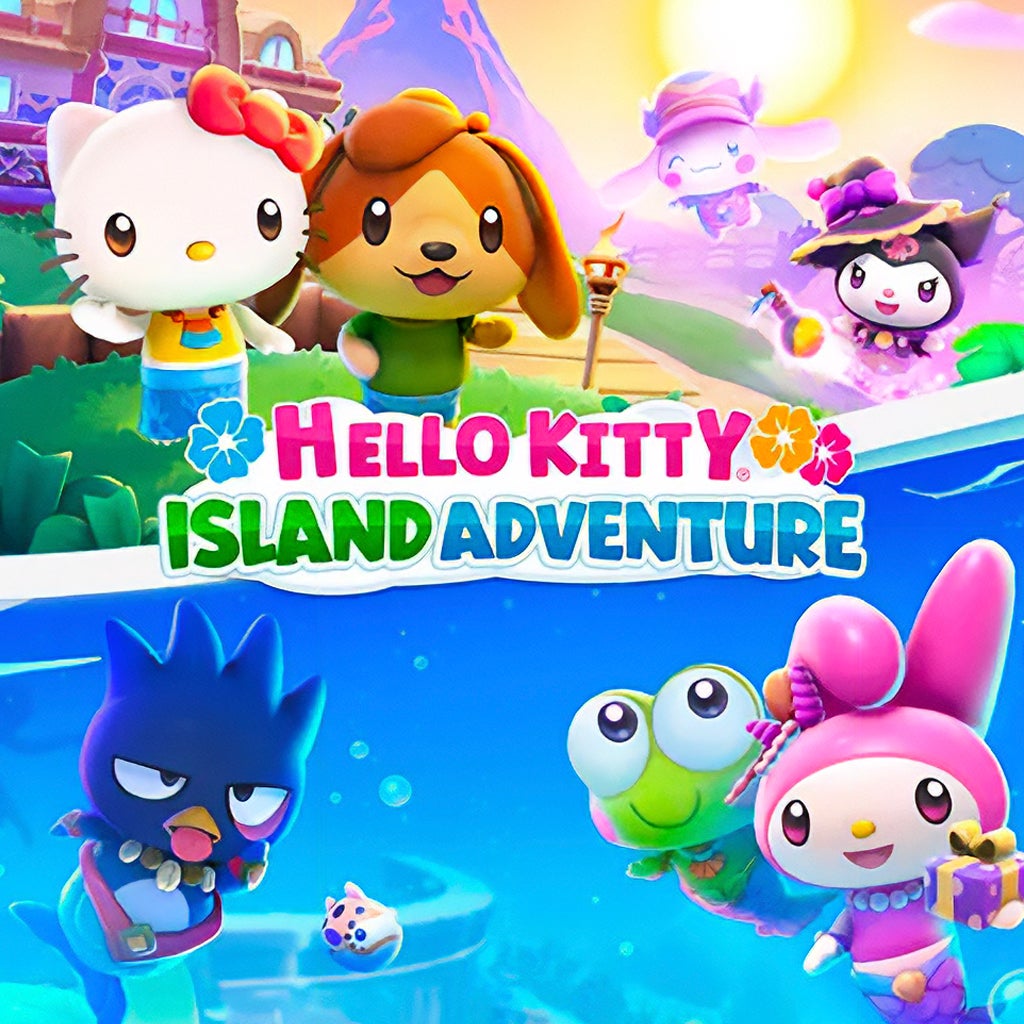
Creative Mode is a new feature added to Hello Kitty Island Adventure as part of the Welcome Home update . It allows you to decorate virtual rooms and try out all different kinds of furniture, floorplans, and decorations, including pieces that you do not own yourself!
This guide will explain how to unlock the Creativity Kiosk as well as how to use it to design the rooms of your dreams!
Unlocking the Creativity Kiosk requires completing two Quests, Some Assembly Required and Tag Team Terminal . However, you cannot begin those Quests right away. Before you can start Some Assembly Required, you must have fully completed the A Friend Indeed Quest series, which brings My Sweet Piano to Friendship Island. You must also complete the main story Quest Welcome Home , during which you unlock your very own Island Home.
During Some Assembly Required , My Melody will get the Creativity Kiosk delivered, but she will not be able to figure out how to get it working. After completing this Quest, wait one day to begin Tag Team Terminal . This Quest will see Chococat and Tuxedosam work together to get the machine working.
Following the conclusion of this Quest, you will have access to the Creativity Kiosk whenever you like. It is located next to the Crafting Table near the Resort Gate Fast Travel Mailbox . Using the Kiosk does not take any currency or items, but you may need an Internet connection to use it properly.
Each time you interact with the Creativity Kiosk, you will be asked the question “Connect to the Creative Room Virtual Experience?” You must select “Yes” to proceed.
You will then be presented with an empty room that you can decorate as you choose. Creative Mode functions almost exactly like the standard Decoration Mode used to decorate Visitor Cabins and Island Homes, with the same button layout.
Press the blue button with a chair on it to enter Decoration Mode. From there, you can choose the following buttons:
Press the button with a bed on it to see a list of all furniture, decorations, and items you have access to. In Creative Mode, you will have an infinite number of all items . Just like in standard Decoration Mode, you can view item tags, see which Visitors like an item, search for items, and view a list of items you recently placed.
Press the button with a cardboard box and a Layout on it to see all saved Layouts. Unlike the items you have access to, this list of Layouts does carry over from the base game, and will only include Layouts you have previously saved. Your limit of 100 saved Layouts at a time is also still in effect in Creative Mode. You can NOT use or apply Kits in Creative Mode , as Kits are based on items you actually own, while Creative Mode gives you access to infinite virtual items!
You can NOT use or apply Kits in Creative Mode , as Kits are based on items you actually own, while Creative Mode gives you access to infinite virtual items!
Press the button with a paint roller on it to see all Floorplans, Wallpapers, and Flooring options. As with Furniture and Decorations, you will have access to all items in these categories.
Press the small blue button with a box and arrow on it on the left side of the screen to remove all items from your Virtual Room. Because items in Creative Mode are solely virtual, you can NOT save your designs as Kits.
Decorate your room as you like! You have a limit of 200 items per room , but can experiment with all types of Furniture, Decorations, and more. This includes seasonal items with limited availability, furniture unlocked through Quests or mini-games, and even furniture from DLC you do not own.
Once you have designed a room, you can save it as a Layout . Simply press the red X button on the right side of the screen to leave Decoration Mode, and then select the blue Layout button to save and name your design.
This allows you to use Creative Mode to plan out cabins for future Visitors, try out new designs for your Island Home, or just share your designs with your friends! You can also take a picture of your Creative Mode creations by using the camera button on the right side of the screen.
Unless you use the “clear decorations” button, your decoration will be saved between Creative Mode sessions . Feel free to exit out of Creative Mode at any time and come back later - all of your design ideas will still be there!
Up Next: How to Get My Melody's Furniture
Topics in this story
Gathered from external sources. Rights to this text belong to whoever originally published it.