GTA 6 graphics settings on Xbox: How to get the best visual experience
Grand Theft Auto VI runs on both Xbox Series X and Series S, but the picture you get depends on how your console and display are set up.
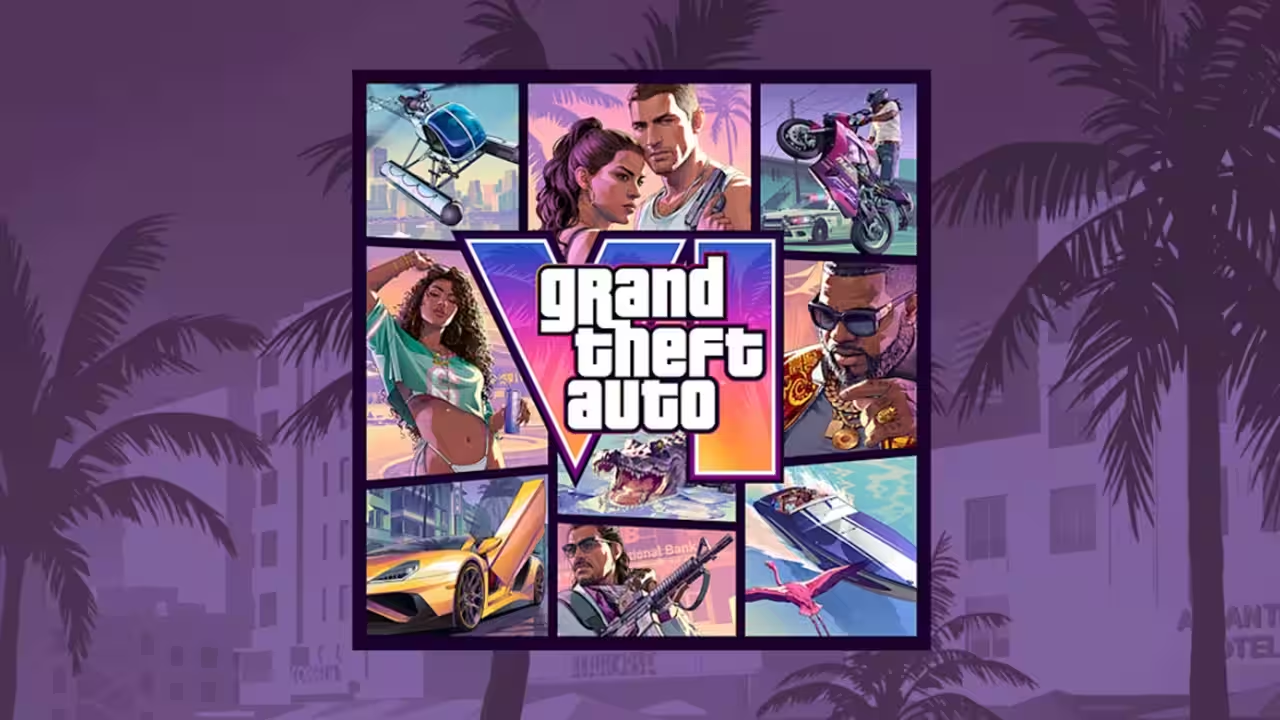
Grand Theft Auto VI runs on both Xbox Series X and Series S, but the picture you get depends on how your console and display are set up. The game itself has limited options, so you need to make the most out of them.If you want to optimize your overall experiece, tweaking the settings will help you out immensely. In the section below, we take a look at how you can get the best visual experience on Xbox.GTA 6 Xbox settings guideListed below are the settings that you can apply for the optimal experience on GTA 6:SettingXbox Series XXbox Series SResolution4K UHD (based on your display)t1080pHDROnOnVRROnOnTV Motion SmoothingOffOffHGiGOnOnAudioToggle on 360 Spatial SoundToggle on 360 Spatial SoundResolutionGTA 6 supports 4K on the Series X, which makes it the better way to play on that console. If you have a 4K display, set your Xbox output to 4K UHD. On the Series S, stick with 1080p. The smaller console is unlikely to handle 4K well, and a lower resolution should give you a better experience.HDRHDR is supported, so turn on HDR10 on both consoles if your TV or monitor can handle it. If your display doesn't support HDR, leave it off, since a mismatch can wash out colors. Where available, enable HGiG as well. It helps your console and display coordinate brightness so highlights aren't clipped.Refresh rate and VRRGTA 6 is locked at 30 FPS on both Series X and Series S. A display with a higher refresh rate won't change that, but Variable Refresh Rate still helps. With VRR turned on, your screen adjusts its refresh rate to match the game's frame rate, which reduces tearing and judder. If VRR isn't available, you can instead lock your refresh rate to 30 Hz, which can make motion feel smoother.TV settingsTurn off TV Motion Smoothing. This feature adds artificial frames, which can introduce input lag and give the game an unnatural, soap-opera look. Most TVs have a Game Mode that disables this processing automatically, so that's worth using too.AudioThe game's soundtrack is a big part of its atmosphere, so audio matters. If your setup supports it, enable 360 Spatial Sound, and use headphones for the best effect. It makes Vice City's radio and street ambience feel more immersive.Quick checklistSet your output resolution to 4K (Series X) or 1080p (Series S).Turn on HDR10 and HGiG if your display supports them.Enable VRR.Switch off TV Motion Smoothing, or use Game Mode.Turn on 360 Spatial Sound.The best Xbox setup for GTA 6 comes down to matching your resolution to your console, turning on HDR10 and VRR, and disabling motion smoothing. With the game fixed at 30 FPS, display settings do most of the work in getting a clean, stable image.Get the latest Sports News and Live updates. Download the TOI app.
Topics in this story
Gathered from external sources. Rights to this text belong to whoever originally published it.